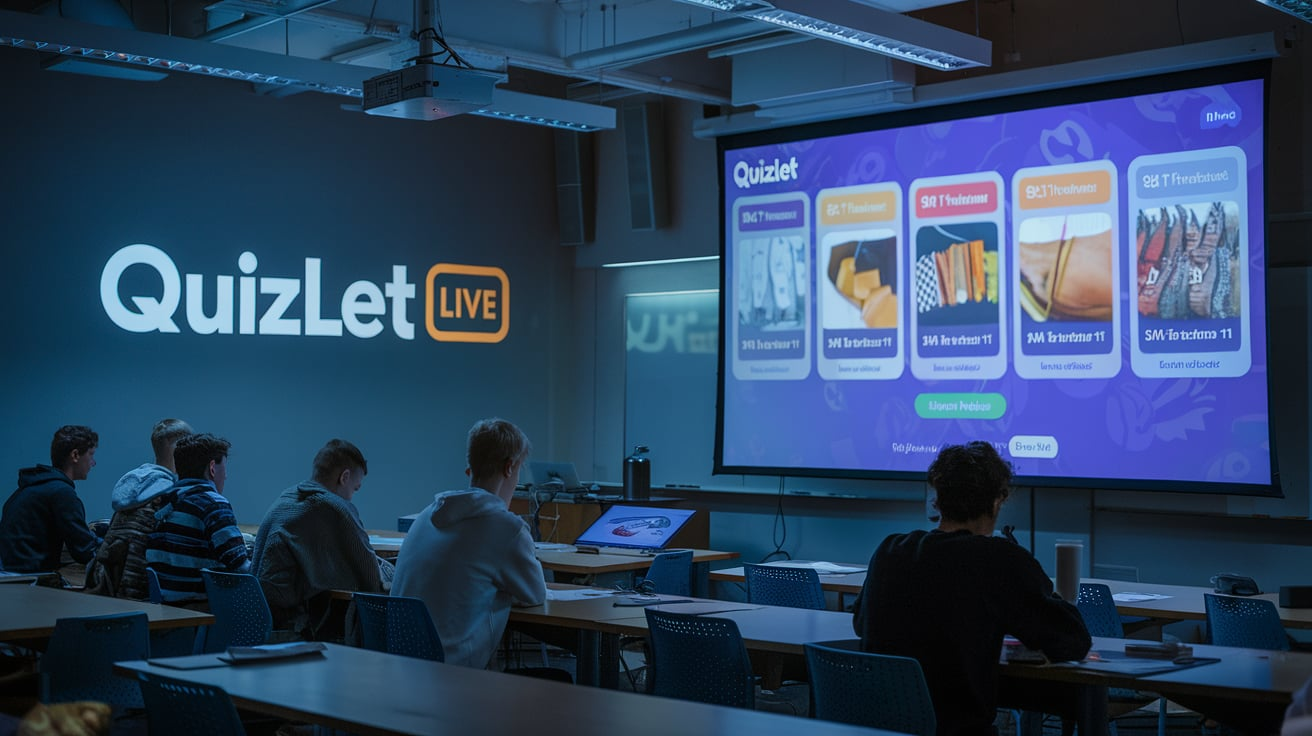
Learning can be enjoyable and doesn’t always need to feel difficult. It can be fun, fast, and even a little exciting. If you’ve ever wished studying felt more like a game, then you’re going to love something called Quizlet Live.
In this guide, we’ll walk you through what Quizlet Live is, how the Quizlet Live join process works, and why so many students and teachers are using it every day. Whether you’re in a classroom, learning from home, or just trying to review before a big test, this game-style tool can make a huge difference in how you remember and learn new things.
What Is Quizlet Live?
Quizlet Live is a multiplayer learning game designed to help students review and remember information by working together. It’s part of the popular learning platform Quizlet, which millions of people use to create and study flashcards, vocabulary lists, and test-prep sets.
Unlike regular studying, Quizlet Live turns learning into a live game where students compete in teams or as individuals. The goal is to match terms and definitions quickly and correctly. But here’s the twist: teammates can’t see all the answers, so they have to work together to win.
That’s what makes Quizlet Live special. It’s not just about speed—it’s about teamwork, communication, and critical thinking.
How Does Quizlet Live Join Work?
Joining a Quizlet Live game is simple and quick. Here’s how it usually works:
- A teacher or game host starts the Quizlet Live session.
- The game creates a unique join code.
- Students go to quizlet.live on any device—laptop, tablet, or phone.
- They type in the code and enter their name.
- Once everyone joins, the teacher starts the game.
No app downloads or accounts are required to join. That makes it super easy for kids of all ages, even those in 5th grade or younger. All you need is a device with internet access and the game code.
Why Teachers Love Quizlet Live
Teachers are always looking for new ways to keep students excited about learning. And Quizlet Live does exactly that.
Instead of simply reviewing terms on flashcards, students can engage in real-time competitions, which help them focus, think quickly, and remember better. Quizlet Live also helps teachers see who’s understanding the material and who might need extra help.
Here are some ways teachers use Quizlet Live:
- End-of-unit reviews
- Test prep games
- Vocabulary drills
- Team-building activities
It’s a perfect tool for classrooms because it mixes learning with fun—and that’s a win for everyone.
Different Game Modes in Quizlet Live
Quizlet Live comes in two main versions: Team Mode and Individual Mode. Both are exciting, but they offer slightly different ways to play.
Team Mode:
In Team Mode, players are randomly split into small groups. Each group works together to correctly match terms. The catch? Only one player in the team sees the right answer for each question. This means everyone has to talk, think, and cooperate.
Individual Mode:
In Individual Mode, each player plays on their own. It’s a race to get the most correct answers, but just like in Team Mode, one wrong answer sets you back to zero.
Both modes make learning feel like a game. And whether you’re playing in a classroom or at home with friends, the quizlet live join process stays the same.
Step-by-Step Guide: How to Start a Quizlet Live Game
If you’re a teacher or host, starting a Quizlet Live game is easy:
- Log into your Quizlet teacher account.
- Choose or create a study set (a list of terms and definitions you’ll use).
- Click the “Live” button.
- Pick either Team Mode or Individual Mode.
- A join code appears. Share this with your students.
- Once everyone has joined, click “Start Game.”
Once the game begins, you’ll see a leaderboard showing which team is ahead. After the game ends, you can go over the results together and review any mistakes.
Joining Quizlet Live from a Student’s Perspective
As a student, joining Quizlet Live is fast and easy. You don’t need a login or an account (unless your teacher says otherwise). Here’s what to do:
- Visit quizlet.live.
- Enter the game code your teacher gave you.
- Type your name (keep it appropriate!).
- Wait for the game to start.
That’s it! You’re ready to play. You’ll see questions with a few answer choices pop up. Be careful—only one of them is right, and choosing wrong sends you back to the start.
The Benefits of Using Quizlet Live
There are lots of reasons students and teachers love Quizlet Live. Here are some of the biggest benefits:
- Better Memory: Playing games helps your brain retain information more quickly.
- Teamwork Skills: In Team Mode, you learn to work with others and share ideas.
- More Engagement: It’s fun! You’re more likely to stay focused during a game.
- Instant Feedback: You see right away when you make a mistake, so you learn quickly.
- No Prep Required: Teachers can launch a game in minutes using pre-made sets.
Quizlet Live isn’t just about fun—it’s a smart way to study, too.
Can You Play Quizlet Live at Home?
Yes, absolutely! While it’s great in classrooms, Quizlet Live can also be used at home. Students can play with friends during study groups, or parents can use it to quiz their kids before a big test.
To play from home, someone needs to host the game using a Quizlet account. Others can then join using the code, just like in school.
It’s a great way to turn review time into family fun.
Tips for Winning at Quizlet Live
Want to be a Quizlet Live champion? Try these easy tips:
- Read carefully before choosing your answer.
- In Team Mode, talk with your teammates. Don’t guess alone!
- Don’t rush. One wrong answer resets your score.
- Study the terms beforehand using regular Quizlet flashcards.
- Play often! The more you practice, the faster and smarter you’ll get.
Remember, the goal isn’t just to win—it’s to learn and have fun.
Quizlet Live Join on Mobile Devices
Good news—Quizlet Live works great on phones and tablets, too. You can join a game from any browser by typing quizlet.live in your search bar. Just enter the game code, and you’re in.
There’s also a Quizlet app you can download for free. While the game works in the browser, the app gives you even more study tools.
No matter what device you use, the quizlet live join process is fast, smooth, and easy to follow.
Security and Student Safety
Quizlet is serious about keeping students safe. That’s why they don’t require players to create an account just to join a game.
Also:
- Games can only be joined by code, so strangers can’t jump in.
- Teachers can control who plays and view game results.
- The platform follows student privacy rules, like COPPA and FERPA.
That makes Quizlet Live a safe choice for classrooms and kids.
Quizlet Live vs Other Learning Games
Quizlet Live isn’t the only classroom game out there, but it has some unique strengths.
| Quizlet Live | Matching terms quickly | Vocabulary, language learning |
| Kahoot! | Multiple choice quizzes | General review, fast-paced games |
| Blooket | Game-style reviews | Fun mini-games with learning |
| Gimkit | Earn money for answers | Strategy-based review games |
Quizlet Live stands out for its focus on accuracy and teamwork. It’s not just about clicking fast—it’s about thinking and working together.
FAQs
1. Do I need an account to join Quizlet Live?
Nope! Students can join a game just by entering the code. An account is not required unless the teacher requires one.
2. Is Quizlet Live free?
Yes, joining games is free. Teachers need a paid account to access features like creating custom teams.
3. Can I use Quizlet Live at home?
Yes! As long as someone hosts the game and shares the code, you can play from anywhere.
4. Can you make your own Quizlet Live set?
Yes! You can make your own flashcard sets and use them during a live game.
5. How many players can join a Quizlet Live game?
Quizlet Live works best with at least 4 players, but can handle large groups in classrooms too.
6. What happens if I answer a question wrong?
In Quizlet Live, a wrong answer sends you back to the start, so accuracy is key!
Conclusion
The next time you need to study for a test, why not turn it into a game? With Quizlet Live, learning becomes more exciting, more social, and a whole lot more effective.
The quizlet live join process is quick and easy, making it perfect for students of all ages. Whether you’re in a classroom or learning from your kitchen table, Quizlet Live can help you remember better, work together, and have some fun while you’re at it.
READ MORE: How to Use Blooket Host to Make Learning Fun and Engaging
About the Author